Embedded payments for healthcare let you pay a bill in an app. The app ties the bill to the sum you paid and the clinic.
For a healthcare software team, the difficult part is keeping the financial record consistent as a bill changes, a payment fails or a refund is issued. Start with the practice that receives the money and the balance the patient owes. Then connect the payment flow to the practice-management system, rather than treating a successful checkout screen as the end of the job.
Map the bill before choosing the checkout
A booking deposit, a known copay and a balance confirmed after insurance are different collection events. Stripe’s healthcare payments overview distinguishes those points in the care cycle. Use that distinction to decide what your software may collect and when.
For each collection point, write down the bill’s origin, the practice receiving payment and the event that makes the amount payable. Keep an estimated balance distinguishable from a confirmed patient balance. That design decision should survive into the portal, staff screen and receipt.
A product-specification table can make the decisions explicit:
| Collection point | Questions for the software team |
|---|---|
| Appointment booking | Is this a deposit or the full bill? Which cancellation policy applies? |
| Check-in or checkout | Is the amount a known copay, an outstanding balance or another charge? |
| Post-visit collection | Which billing-system event confirms the patient’s responsibility? |
| Partial payment | Which bill receives the allocation, and what balance remains? |
| Refund | Which original payment is reversed, and how is the patient’s ledger adjusted? |
This is a planning framework, not a statement that every practice uses all these flows. The clinical billing system and the practice’s policies determine the actual amounts and timing.
For the broader platform model, see embedded finance for vertical SaaS.
Decide which practice receives the money
Healthcare SaaS can serve several practices under one interface. The platform needs a reliable way to associate a patient payment with the right receiving practice.
In Stripe’s NexHealth case study, NexHealth created a Connect account for each practice. Its payment interface used Payment Element, while the platform gained reporting across its customer base. Those are vendor-reported implementation facts, not proof that every platform should use the same architecture.
Document the receiving entity, payment account and payout destination together. Then ask how the proposed integration handles a practice changing its bank account, leaving the platform or closing a location. Treat those as account-lifecycle decisions rather than patient checkout options.
The provider options sit in our Stripe Connect profile and embedded payments guide. A processor integration and a practice’s bank payout are separate parts of the flow.
Keep payment status separate from the patient balance
Stripe’s payment-status documentation describes states such as processing, succeeded and canceled. An asynchronous payment can remain in processing while the underlying method completes.
That calls for distinct statuses in the healthcare software: a payment attempt, the bill it relates to and the practice’s payout. A useful patient message should identify which stage it describes. A submitted payment is not automatically a settled bank deposit.
The same distinction matters after a successful payment. Stripe documents refunds and disputes on the Charge even when the PaymentIntent remains succeeded. If your ledger only watches that original success flag, it can miss later changes.
For implementation, Stripe recommends server-side webhook handling rather than relying on a patient keeping the checkout page open. Translate the payment events into the practice-management record and make the event handling safe to repeat. Before launch, test that replaying a notification does not allocate the same payment twice.
Reconcile what patients paid with what practices receive
NexHealth’s case describes a monthly payout-reconciliation report built using Stripe Data Pipeline. The useful outcome for a practice is the ability to connect its payment statement with money reaching its bank.
A reconciliation design should preserve a path from the patient bill to the payment, any adjustment and the payout. Your actual identifiers will depend on the provider and billing software. Decide which system owns each identifier before building exports.
For example, consider a hypothetical payment of $120 followed by a $20 partial refund. The patient ledger needs to reflect the remaining $100 payment. The payout report also needs to explain the original transaction and the adjustment, with any applicable fees identified from the actual provider records. Those amounts illustrate the bookkeeping problem; they are not a provider tariff or a promised payout.
Do not make staff reconstruct that relationship from a patient name and a bank total alone. Include durable bill and transaction references in the financial records, and use the payout report to explain how they reconcile.
Online and in-person payments need one financial trail
Stripe’s Semble case study describes a practice-management platform that added Terminal for in-person payments when it expanded Semble Pay in 2024. It also describes integrated reporting for online and offline transactions.
The architecture question is whether the same practice can reconcile a portal payment and a front-desk terminal payment against the right bill. Using one provider does not, by itself, answer which account or invoice each transaction belongs to.
Include both channels in acceptance testing. A staff member should be able to find the original payment from a bill, identify a refund and see the remaining balance without creating a second payment request for an amount already collected.
Plan the transition for unpaid legacy bills
A new checkout can work while older payment links remain in patients’ inboxes. Closing the old integration without a migration plan can strand those requests.
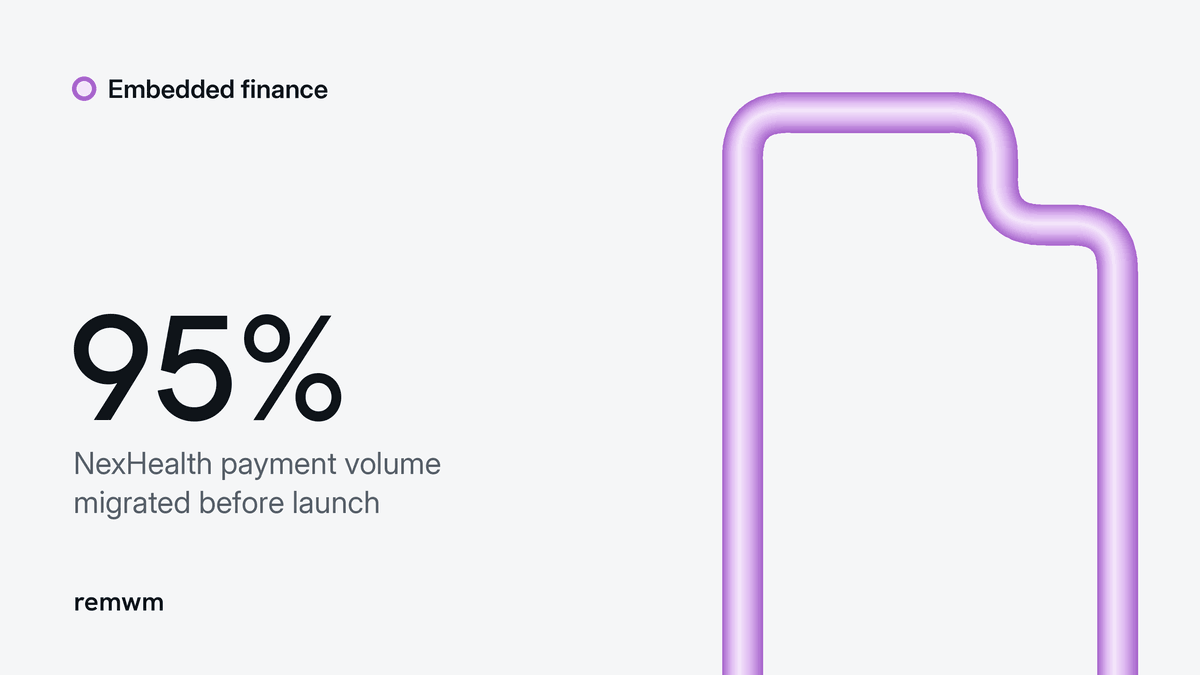
Stripe reports that NexHealth linked payments from outstanding requests into its new Connect setup using the Payment Intents API. It says practices representing 95% of existing payment volume were onboarded in the four weeks before the transition.
That figure describes one reported migration. Use the underlying problem to shape your own plan: list open requests, decide which remain valid and define how staff will recognize payments from the previous flow. Set a clear policy for obsolete links so patients are not offered two active ways to pay the same bill.
The rollout gate should include legacy bills and refunds, not just successful payments through the new interface.
Keep card handling and clinical data flows distinct
Stripe’s integration-security guide describes PCI compliance as a shared responsibility. Using a low-risk integration that sends sensitive card details directly to the provider reduces exposure; it does not remove the accepting business’s obligations.
Map the data that enters payment forms, transaction descriptions, metadata, receipts and logs. The healthcare product team should separately review whether clinical information belongs in those fields and what contractual safeguards apply to the proposed system.
Do not infer healthcare privacy coverage from card-security certification. Have the practice’s privacy and security specialists review the proposed data flows and agreements before rollout. This guide addresses payment architecture, not a determination of legal compliance.
A rollout checklist for the product team
Test outcomes that force the financial records to change:
- A patient closes the browser after payment.
- A payment needs further action or remains in processing.
- A bill receives a partial payment.
- A refund changes the balance after an earlier success.
- The same payment notification arrives again.
- A payment arrives through an old request.
- A practice’s payout cannot be matched to its statement.
For each scenario, check the patient message, staff view, bill balance and reconciliation output. Keep the expected result in the product specification. These are proposed acceptance tests, not tests performed for this article.
A healthcare payment integration is ready when staff can explain a charge and its current state from the software’s records. A polished payment form is only one part of that outcome.